Invite a student’s parent
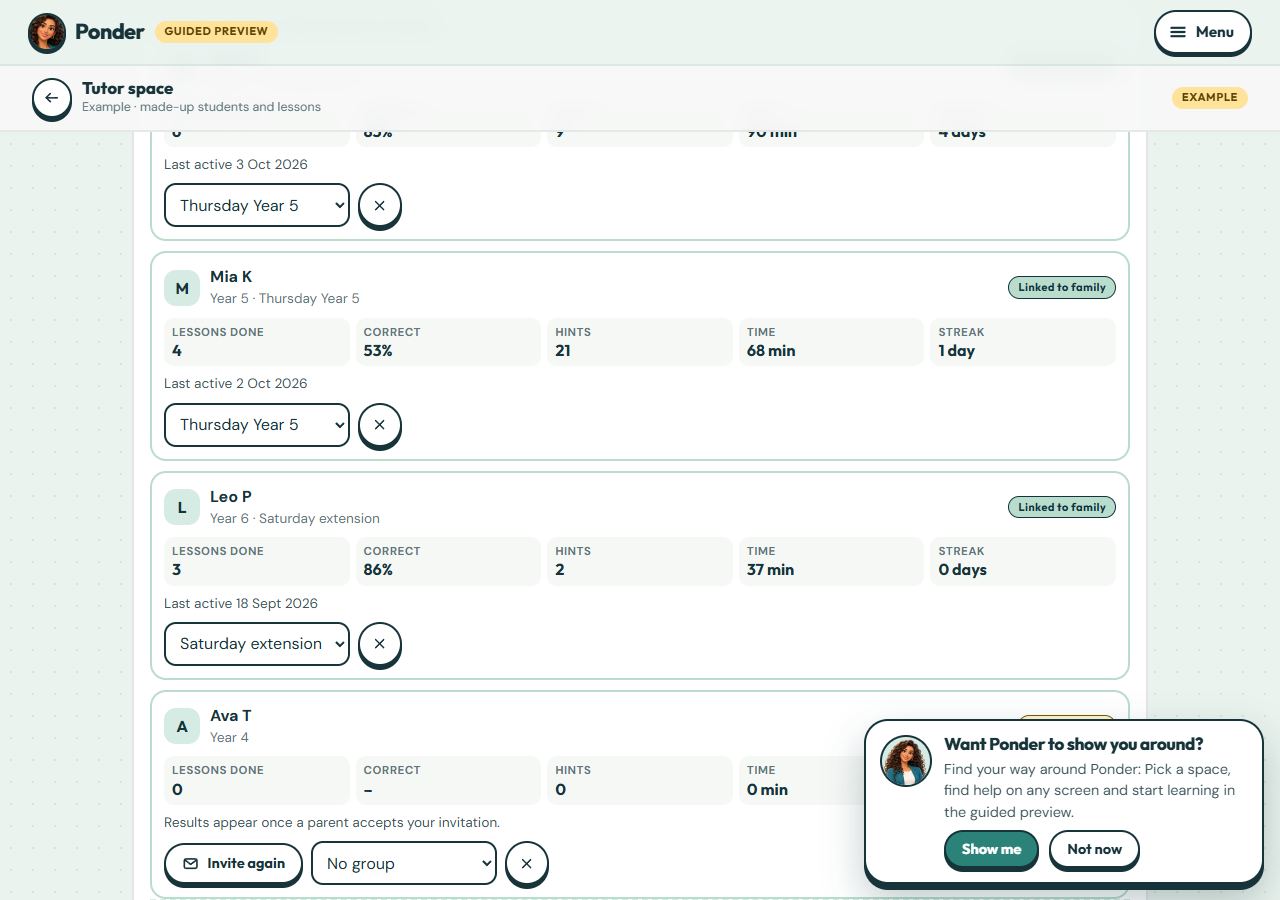
Students join when a parent accepts your invitation: a one-time link for the parent’s email, which expires after 21 days.
No account needed. This works in the family space of the guided preview. Prizes are saved only on your device.
Step by step
Where: the example tutor space.
Invite parent
Next to a student who isn’t linked yet, choose Invite parent and enter their email. Parent invitations open once Ponder has verified your tutor space.
Link status
Not invited, Invite pending, Linked to family, or Declined. Nothing about a child reaches you until their parent accepts, and they can unlink at any time.
 (open the full-size screenshot)