Import your own questions
Upload a CSV or Excel file, or paste rows from a spreadsheet. Ponder checks every row before anything is saved, skips duplicates, and keeps the questions in your library to edit, archive and reuse in lessons. Schools have the same library, shared with their staff.
No account needed. This works in the family space of the guided preview. Prizes are saved only on your device.
Step by step
Where: the example tutor space.
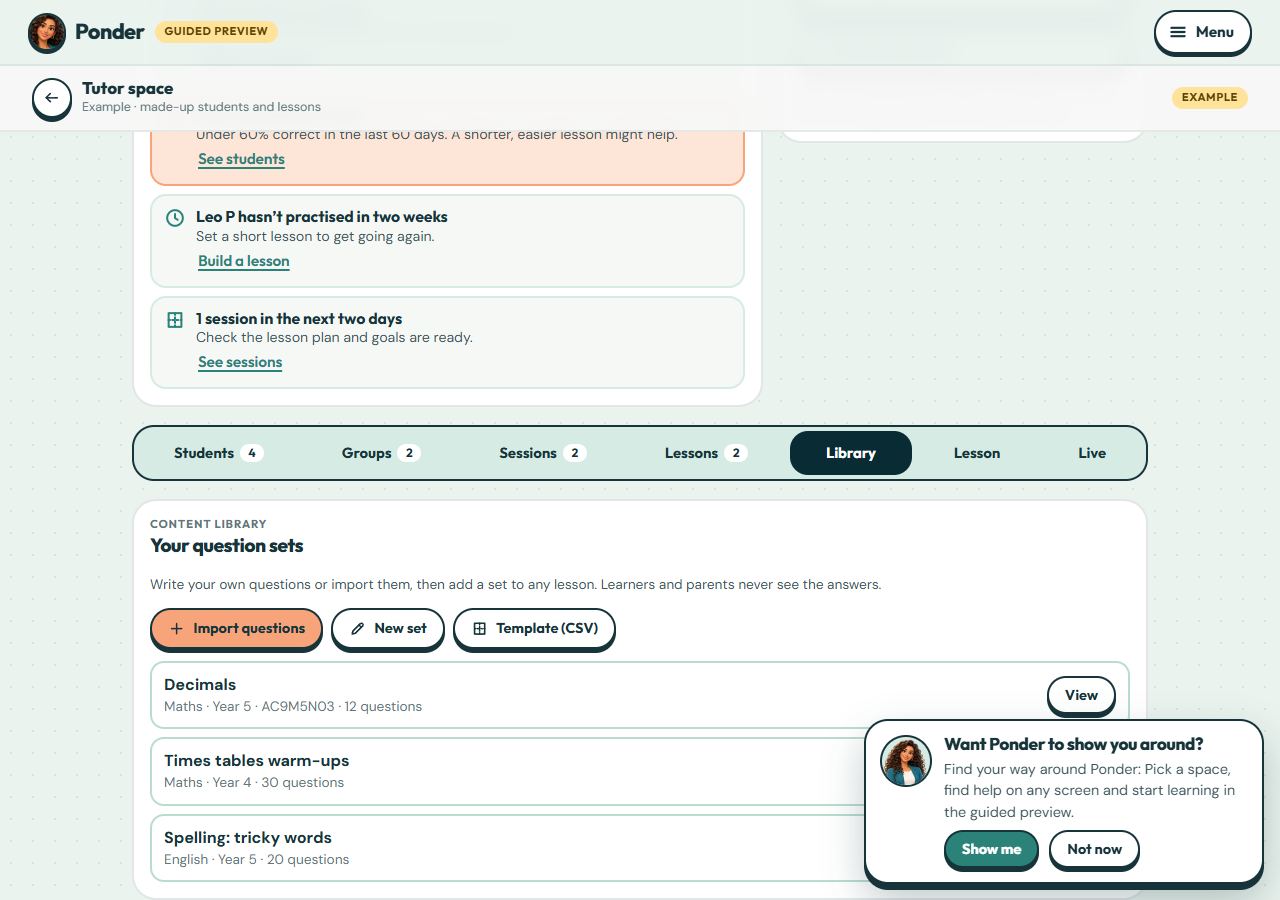
Your content library
Import questions, start a new set, or download the template. Learners and parents never see the answers.
Start from the template
Columns: subject, year level, topic, AC9 code (optional), question, type (short, number or choice), answer(s), up to three hints and an explanation. Separate answers with |; for a choice question start the right one with *.
Check, then import
Choose a file or paste rows, then Check the rows. Rows with a problem, or already in your library, are listed with the reason and skipped. Up to 500 questions at a time.
Reuse your sets
Open a set to edit or archive questions. In the lesson builder, “Add from your library” copies a whole set into a lesson. Teachers can set a school library set as homework.
 (open the full-size screenshot)