Find your way around Ponder
Pick a space, find help on any screen and start learning in the guided preview.
No account needed. This works in the guided preview, with sample data saved only on your device. Signed in, your progress saves to your account.
Step by step
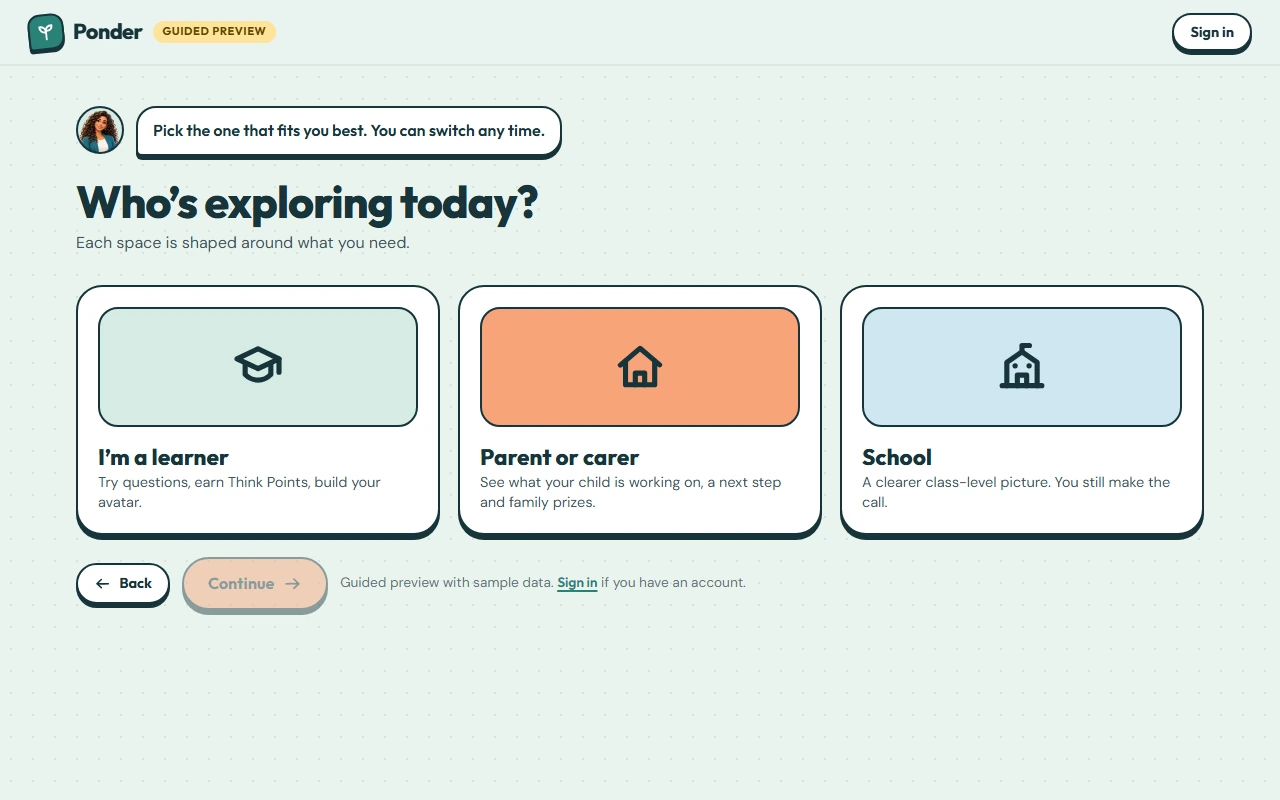
Where: the “Who’s exploring today?” screen, then your learner home (Ponder Quest).
Pick who you are
Choose learner, parent or carer, or school. Each space is shaped around what that person needs, and you can switch any time.
Signing in
Parents, carers and schools sign in here for their real spaces. Learners join through an invitation, so they never need an account of their own.
Help is always here
Tap the question mark on any screen to see the walkthroughs for that screen and your Getting started checklist.
Try the learner space
Do it with me: choose “I’m a learner”.
Continue
Now tap the button to open the learner space.
Getting around
Use this bar to move between Home, Learn, Avatar, Challenges, Top 10 and the Arcade.
Start thinking
Tap “Learn a subject” to work through a practice set one question at a time, or “Ask Ponder” to ask your own question. Everything in the preview uses sample data saved on this device.
 (open the full-size screenshot)