Try a Challenge
Pick a subject and age band, then play a quick-fire round.
No account needed. This works in the guided preview, with sample data saved only on your device. Signed in, your progress saves to your account. Learners earn +10 Think Points for finishing the walkthrough in the app.
Step by step
Where: the Challenge Arcade.
Pick a subject
Choose a subject. Every subject has quick-fire rounds for every age band. Try Maths.
Pick your age band
Choose the age band that fits you. 8–10 is a good place to start.
Start the round
Each round has 10 to 12 quick questions and no timer. Tap “Start quick-fire” on any round.
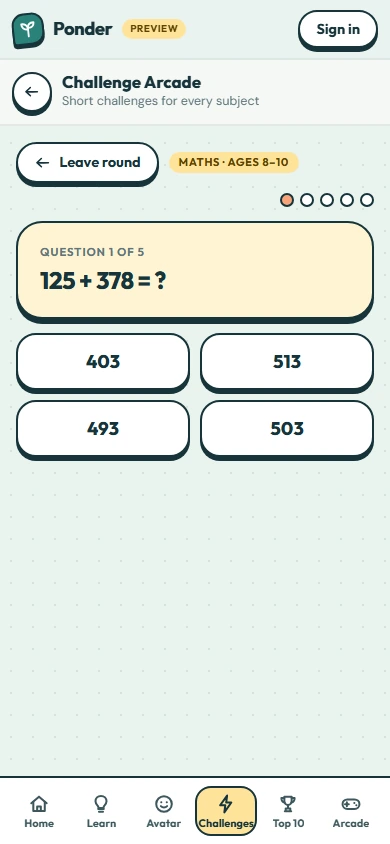
Choose an answer
Tap the answer you think is right. Not this one? Have another think: you still earn points for keeping going.
Leave any time
Finish the round for a bonus and a puzzle piece, or leave whenever you like. Your points stay yours.
 (open the full-size screenshot)